

HTTP Actions Overview
HTTP Actions are reusable HTTP request templates that you configure once and use across multiple workflows. Instead of rebuilding the same API call in every workflow, you define it once as an HTTP Action and reference it from any workflow step.How HTTP Actions Work
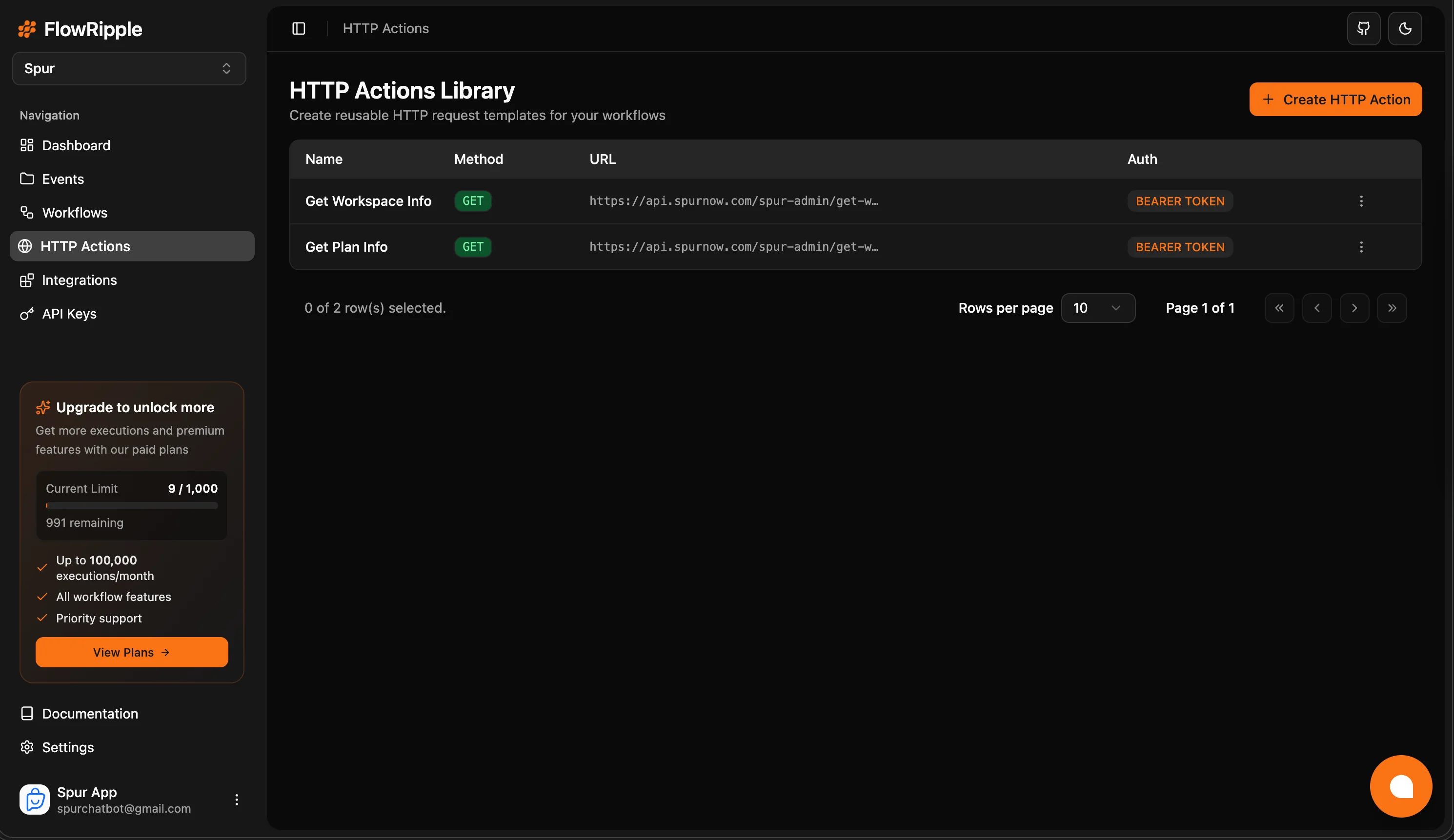
HTTP Actions library page
- Define: Create an HTTP Action with method, URL, headers, auth, and body configuration
- Parameterize: Add input variables (
{{variableName}}) to make the request dynamic - Map outputs: Test the action and map response values to named output variables
- Reuse: Add the action to any workflow, map inputs, and access outputs downstream
Key Benefits
Reusability
Define an API call once, use it in as many workflows as needed. Changes to the action propagate everywhere.
Centralized Auth
Configure authentication (API Key, Bearer Token, Basic Auth) in one place instead of per-workflow.
Input Variables
Parameterize requests with
{{variableName}} syntax. Auto-detect variables from your URL, headers, and body.Output Mappings
Extract specific values from API responses using JSON paths and expose them as workflow variables.
HTTP Actions vs Inline HTTP Requests
Workflows support two modes for HTTP requests:What’s Next?
Creating HTTP Actions
Configure method, URL, auth, input variables, and output mappings.
Using in Workflows
Add HTTP Actions to your workflows and map inputs and outputs.